

OUSON HEALTH · STEP BY STEP
Add a measurement manually
Record blood pressure, temperature, blood oxygen, blood glucose or weight with the right unit, date and time.
See the highlights on the full example screen
 124
124
Open Add Measurement and choose the type
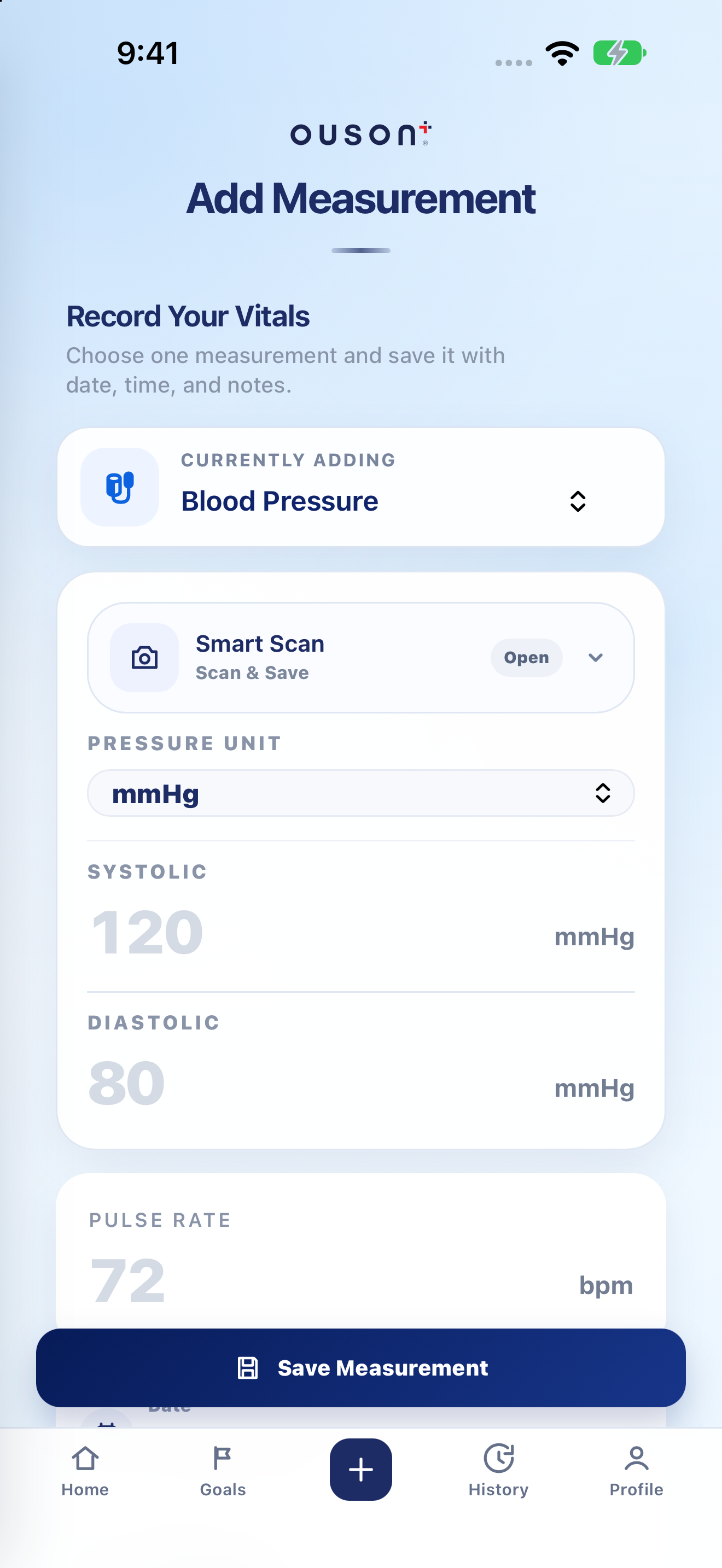
Tap the centre +, then use Currently adding to choose Blood Pressure, Temperature, Blood Oxygen, Blood Glucose or Weight. Check the selected type before entering numbers.
Open original screenshot ↗
Match the unit and fields to your device
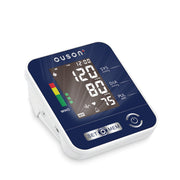
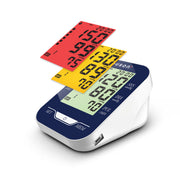
- Blood Pressure: enter SYS/Systolic and DIA/Diastolic in the selected mmHg or kPa unit. Pulse Rate is a separate field when recorded.
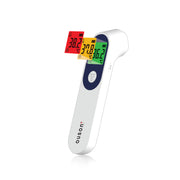
- Temperature: choose °C or °F, then enter the displayed temperature.
- Blood Oxygen: enter SpO₂ as a percentage; add the pulse value if you recorded it.
- Blood Glucose: choose mmol/L or mg/dL and the correct Before meal or After meal context.
- Weight: enter the measured value in kg.
Open original screenshot ↗
Set the date, time and optional note
Scroll to Date and Time. Use when the measurement was taken, especially for an older reading. Add an optional note if useful; the note field allows up to 120 characters.
The date/time fields sit below the reading fields and may require scrolling. Do not change a measurement’s date just to move it into a report period.
Review, save and check History
Compare the form with the device display, check the type, unit, date/time and meal context, then tap Save Measurement. Look for the save confirmation and find the entry in History.
Open original screenshot ↗
Use Smart Scan only for a supported BP monitor
For camera-assisted blood-pressure entry, follow the Smart Scan tutorial. Scanning fills fields for review; it does not replace the final Save Measurement step. Use manual entry for other measurement types or unavailable monitor models.
IF YOU NEED A HAND
Questions and quick checks
Can I correct a saved entry?
Review the entry in History. If it is wrong, use the record’s delete control and confirmation, then add the correct reading with its original measurement date/time. Check before deleting.
Why does the glucose form ask about meals?
The app records the selected before-meal or after-meal context with the glucose entry. Choose the context that matches the original measurement; do not guess it from the number.
OUSON Health helps you record and review measurements. It does not provide medical diagnosis or treatment. Values and ranges in teaching screenshots are examples, not recommended personal targets.