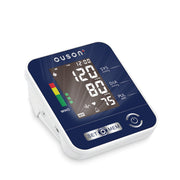
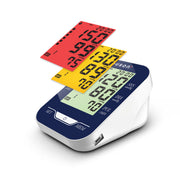
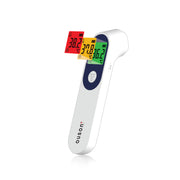
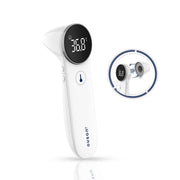
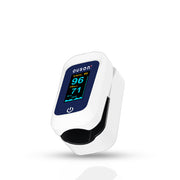




Everything together.
Register your device, check warranty status and get support from the OUSON Health app.

Register in app
Add your OUSON device in a few taps.

Track warranty
Keep your warranty status always up to date.

Get support
Access guides, FAQs and help when you need it.


Register in 7 simple steps.
Follow these steps in the OUSON Health app.
- 01


Download OUSON Health
Get the app from Google Play or the App Store.
- 02

Create your account
Create an account, or log in if you already have one.
- 03

Open My Profile
Tap “My Profile” in the OUSON Health app.
- 04

Go to My Devices
Select “My Devices” from your profile.
- 05
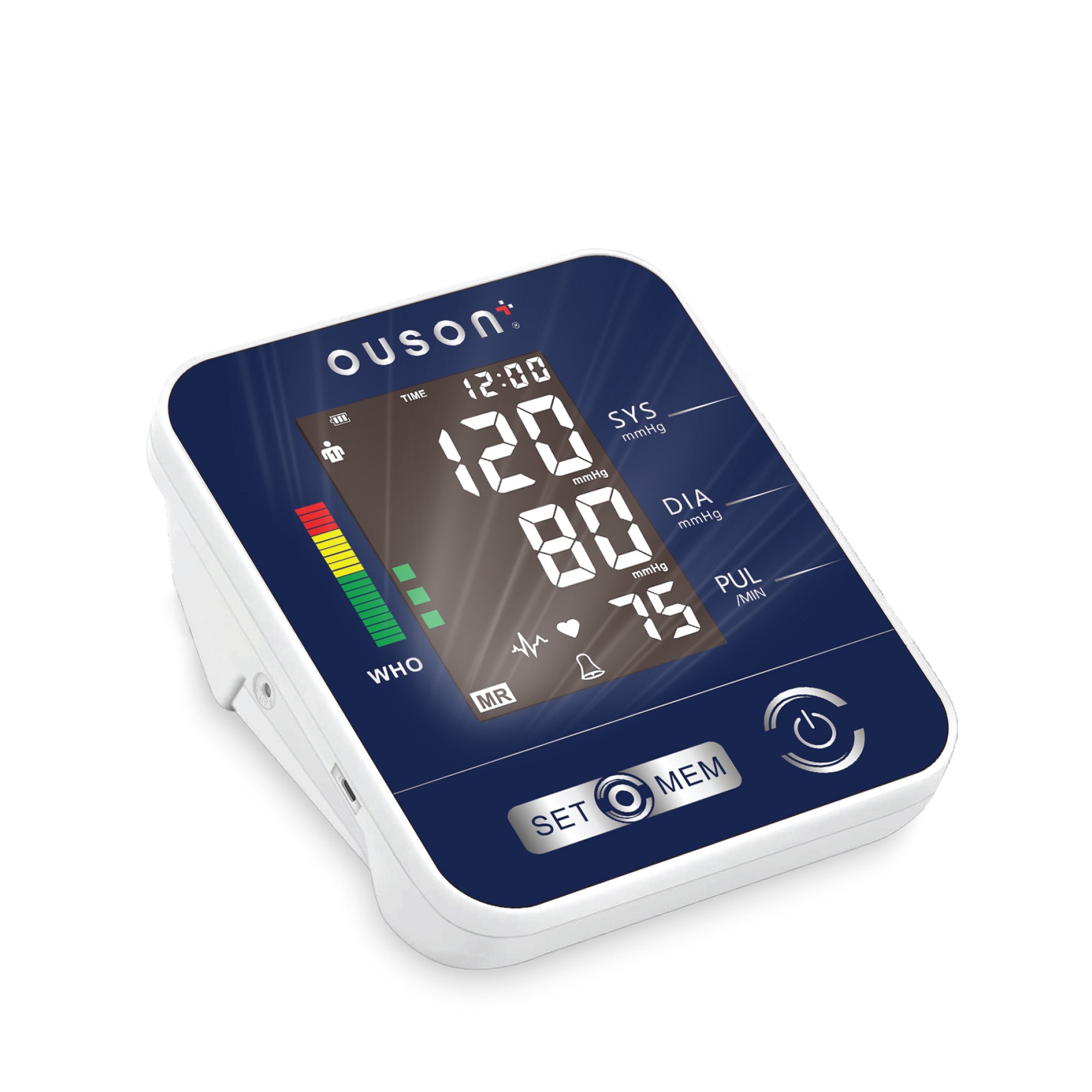
Add your device
Tap “Add Devices” and follow the in-app instructions.
- 06

Wait for verification
Please allow 3–7 working days for us to verify your device.
- 07

Registration complete
Your warranty is registered once verification is complete.