
CARE AFTER YOUR PURCHASE
Warranty claims
We’re here to help
Tell us about your device and what happened.
We’ll help you with the next steps.
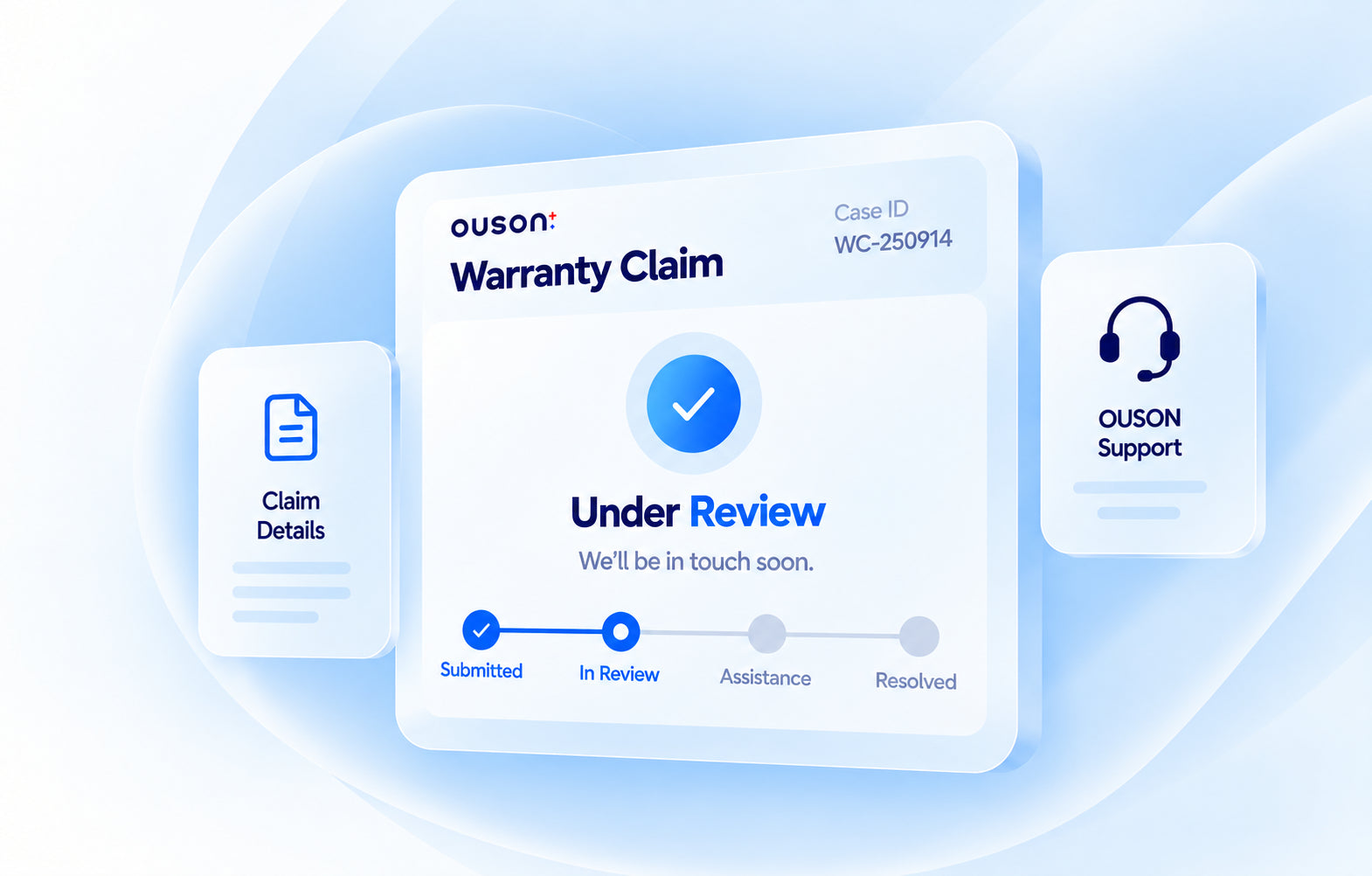
Support from OUSON
A team here to help you.
A clear place to start
Your device. Your details. Your claim.
Stay in touch
Arrange the next steps via WhatsApp.
LET’S START WITH THE DETAILS
Your warranty claim
Please provide the details below so we can assist you better.
Before you begin
Registered warranty, proof of purchase and your device details.
Read the full preparation notes
- Complete your OUSON product warranty registration before making a claim.
- You will receive an email confirmation once your warranty registration is complete and approved.
- For purchases from another reseller, a copy of the purchase invoice is required as proof of purchase. Have it ready to provide to our team.
- For purchases from REANNEQ SDN BHD or an OUSON Official Store, provide the correct order ID.
- Your warranty is void if the information provided is incomplete.
- Please read and understand the full Warranty Policy before proceeding. Read Warranty Policy
Submitted successfully!
Your submission has been received. Thanks for your time!
Please contact our customer support team to arrange the next steps.
Contact us on WhatsAppLoading the claim form… Open the claim form if it does not appear.
WHAT HAPPENS NEXT
We’ll take it from here
Together with you
- 01
Submit your claim
Share your contact, product and problem details.
- 02
Contact our team
Message us on WhatsApp after submitting. Our team will help arrange the next steps.
- 03
Prepare your return, if needed
When returning an item, include your order ID, username, phone number, return address and reason for return.
Need help before you start?
Talk to the OUSON team at +6011-3333 8028.