

OUSON HEALTH · STEP BY STEP
Find product help, news and support
Use the Help Center, model-specific guides, manuals and troubleshooting, or contact the OUSON team.
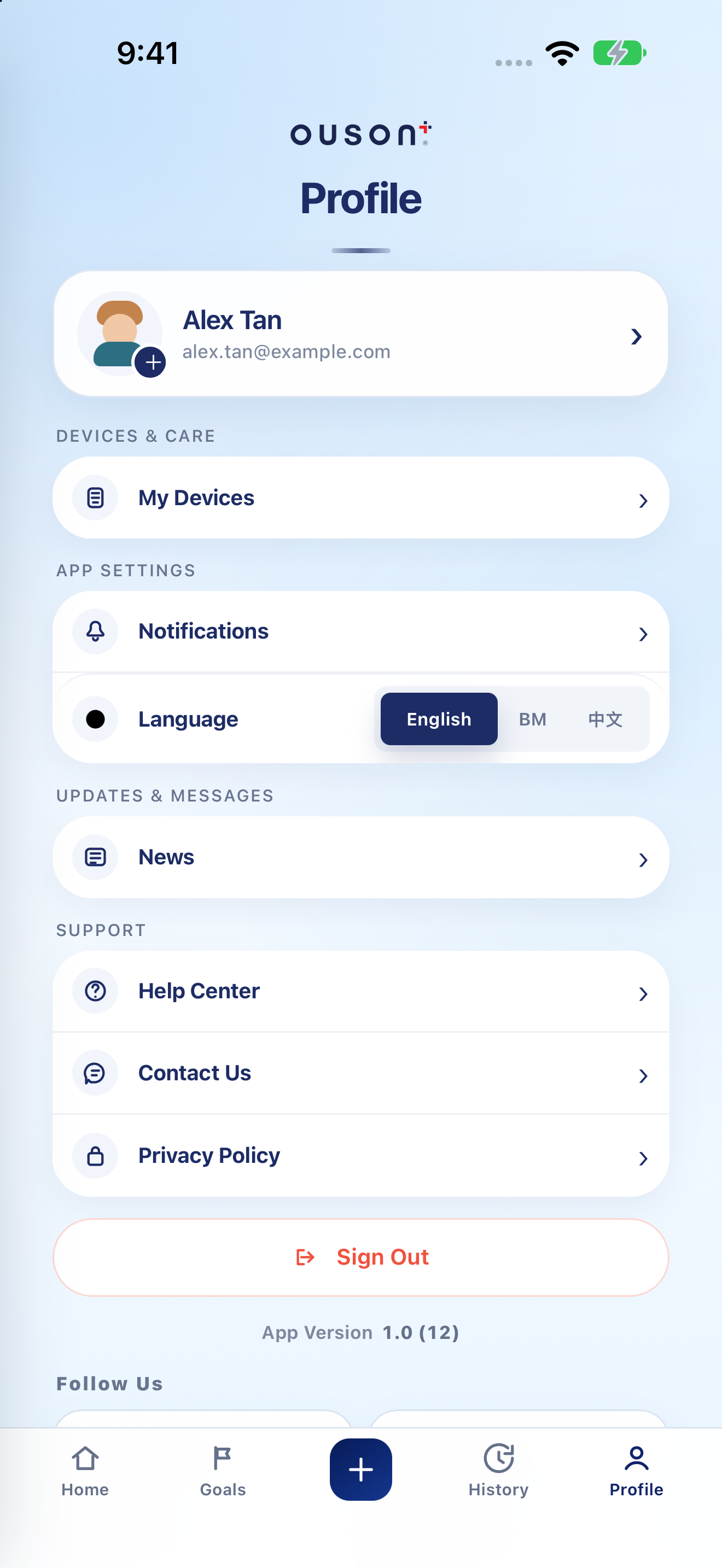
See the highlights on the full example screen
 134
134
Open Help Center
In Profile, tap Help Center. Choose App Features, Product User Guide, Product Troubleshooting or Product User Manual, depending on what you need. Common Questions provides short answers about the app.
Open original screenshot ↗
Choose the exact product and topic
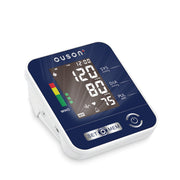
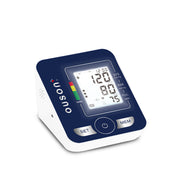
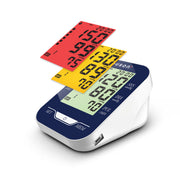
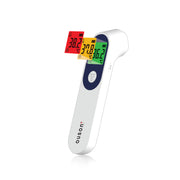
For Product User Guide or Product Troubleshooting, select your model and then the relevant topic. Use the illustrated steps or linked video shown for that model. For setup or measurement instructions, follow the manual for the device in front of you rather than a different model.
Use Product User Manual for the original document. Website alternatives: product tutorials and product manuals.
Read official News
Open News in Profile for OUSON notices and updates. If the page says there are no official updates, there is simply no item to read yet. News and daily measurement reminders serve different purposes.
Open original screenshot ↗
Open Contact Us when you need assistance
Tap Contact Us, then Open WhatsApp to open the available support route. Explain the app version, screen and error. For a device question, include the model and relevant purchase reference when requested. Do not share passwords or verification codes.
Open original screenshot ↗
Use screenshots that show only what support needs
If you send a screenshot to support, crop or hide unrelated health records, identity details and contact information. Check the recipient and attachment before sending. You can also use the website App Support page.
IF YOU NEED A HAND
Questions and quick checks
Does browsing this tutorial send a support message?
No. These are teaching screenshots and links. You choose whether to open a support channel and send a message.
Which model’s instructions should I follow?
Match the model printed on your actual device to the product guide/manual. Use support if you are unsure which model or document applies.
OUSON Health helps you record and review measurements. It does not provide medical diagnosis or treatment. Values and ranges in teaching screenshots are examples, not recommended personal targets.