

OUSON HEALTH · STEP BY STEP
Set and review your Health Goals
Save supported personal ranges and understand the difference between the latest reading and the last seven days.
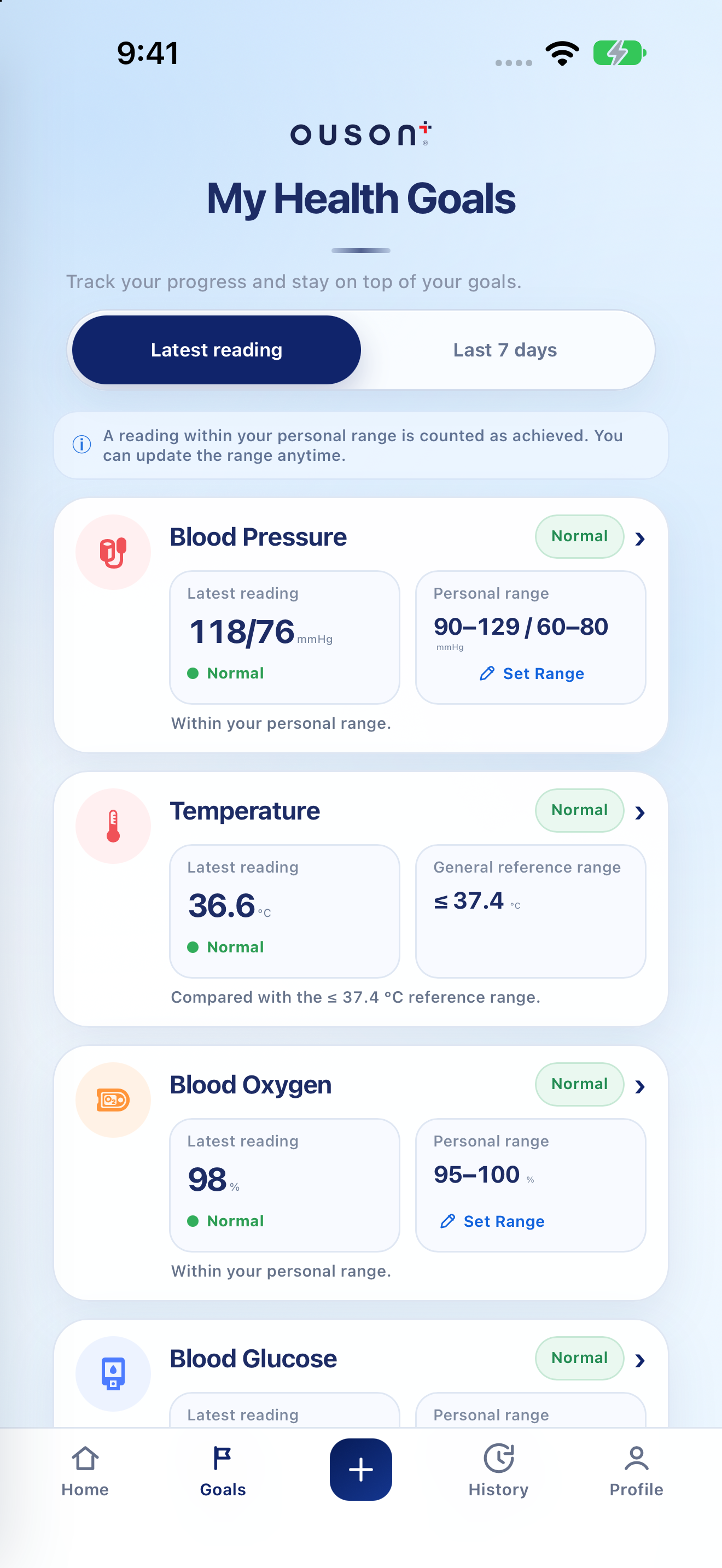
See the highlights on the full example screen
 124
124
Open Goals and choose the data view
Tap Goals. Latest reading uses the latest saved value; Last 7 days uses the seven-day view. These describe different sets of records, so they can show different tracking results.
Open original screenshot ↗
Open Set Range for the measurement
Find the measurement card and tap Set Range. Use the units and supported minimum/maximum fields shown in its editor. Blood pressure, blood oxygen, blood glucose and weight have their own settings; the screenshot’s values are examples, not recommended targets.
Open original screenshot ↗
Save your range and check the result
Review the entered range, then tap Save Range. Check the confirmation and the Personal range shown on that card. Use Reset only if you intend to restore that measurement’s default tracking settings.
Setting a range changes app tracking, not the reading stored in History. Use targets agreed with a qualified healthcare professional.
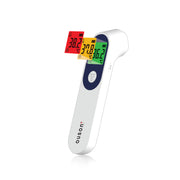
Recognise the temperature reference
Temperature uses a General reference range rather than the same personal Set Range control. Read its label as app context, not a diagnosis or a substitute for device instructions and medical assessment.
Open original screenshot ↗
Compare the selected view with your own range
Check the reading, selected time view and range together. A status such as Within or Outside describes the app’s comparison. It does not prove improvement, deterioration or the absence of a medical problem.
IF YOU NEED A HAND
Questions and quick checks
Why do Latest reading and Last 7 days disagree?
A single latest reading and a view of multiple days are different summaries. Check the dates and records in History before drawing conclusions.
Will changing a goal rewrite old measurements?
A range is a tracking preference. Use History to review the original saved values and timestamps.
OUSON Health helps you record and review measurements. It does not provide medical diagnosis or treatment. Values and ranges in teaching screenshots are examples, not recommended personal targets.